Zen is Yandex's content platform: authors, articles, videos. It lives on several platforms, but the biggest one is the main screen of the Yandex app, 20M DAU, right below global search. Everything about this project comes from that placement.

Problem
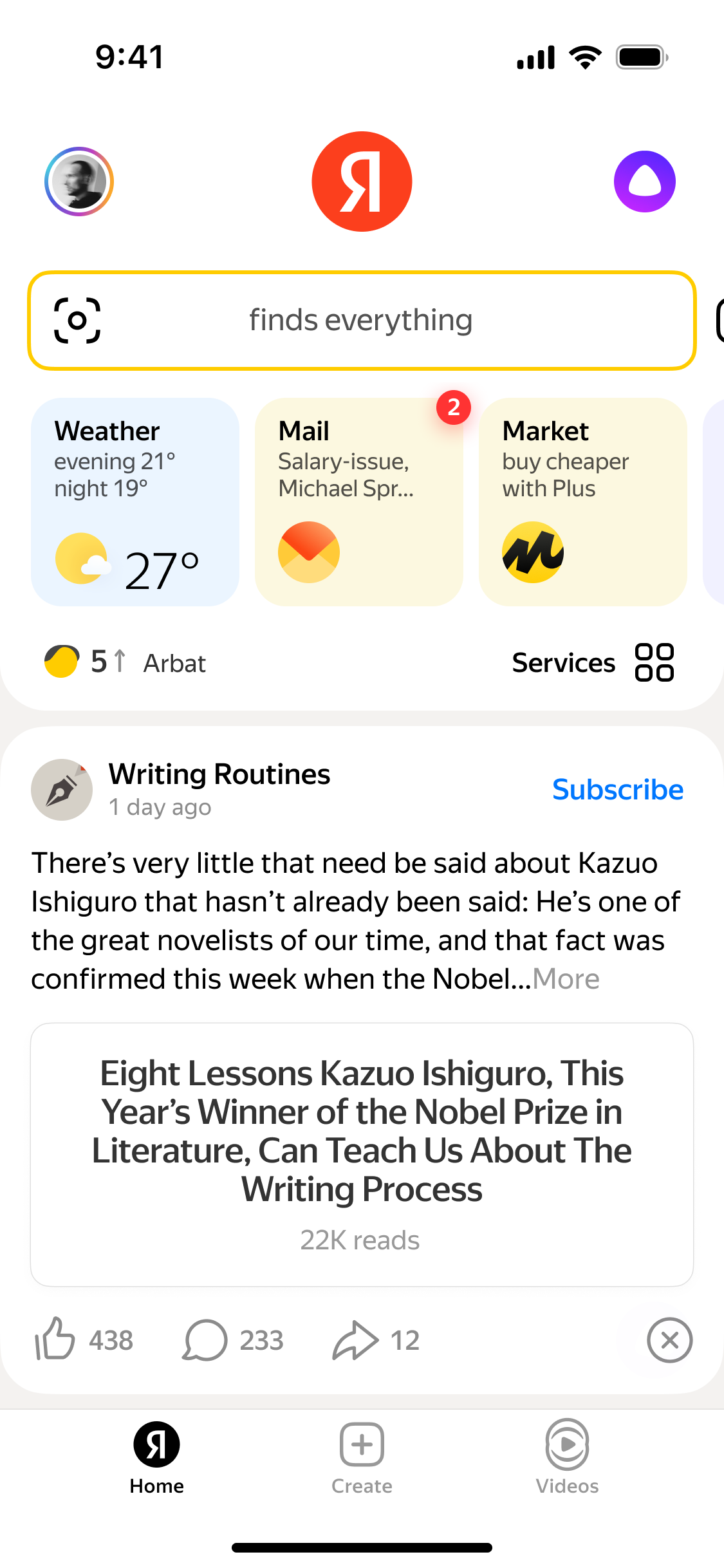
The main screen is two things stacked together: the ecosystem part, with global search, weather and mail, and the Zen feed. The feed had no way to look anything up. Saw an author yesterday, want to find them again? You couldn't. Authors complained, readers complained.
We ran a UX test to make sure it wasn't just loud feedback: find @username in Zen. Most people scrolled down the feed, looked for a search field inside it, gave up, scrolled back up to global search and typed there.
Why Not Global Search
That was part of the task, and the Search team handled it on the results page. But the SERP is a heavily optimized machine with its own team and its own metrics. You don't experiment with it quickly. The main scenario had to live inside the feed.
Solution
The hard part wasn't adding search. It was adding a second search to an app where search is the whole point. A Search tab at the bottom, a search field inside the feed: both would read as "another search" sitting right next to the real one.
So the Zen header with a search icon appears only once you've scrolled into the feed. The two searches are never on screen together, and search shows up exactly where people looked for it in the test.
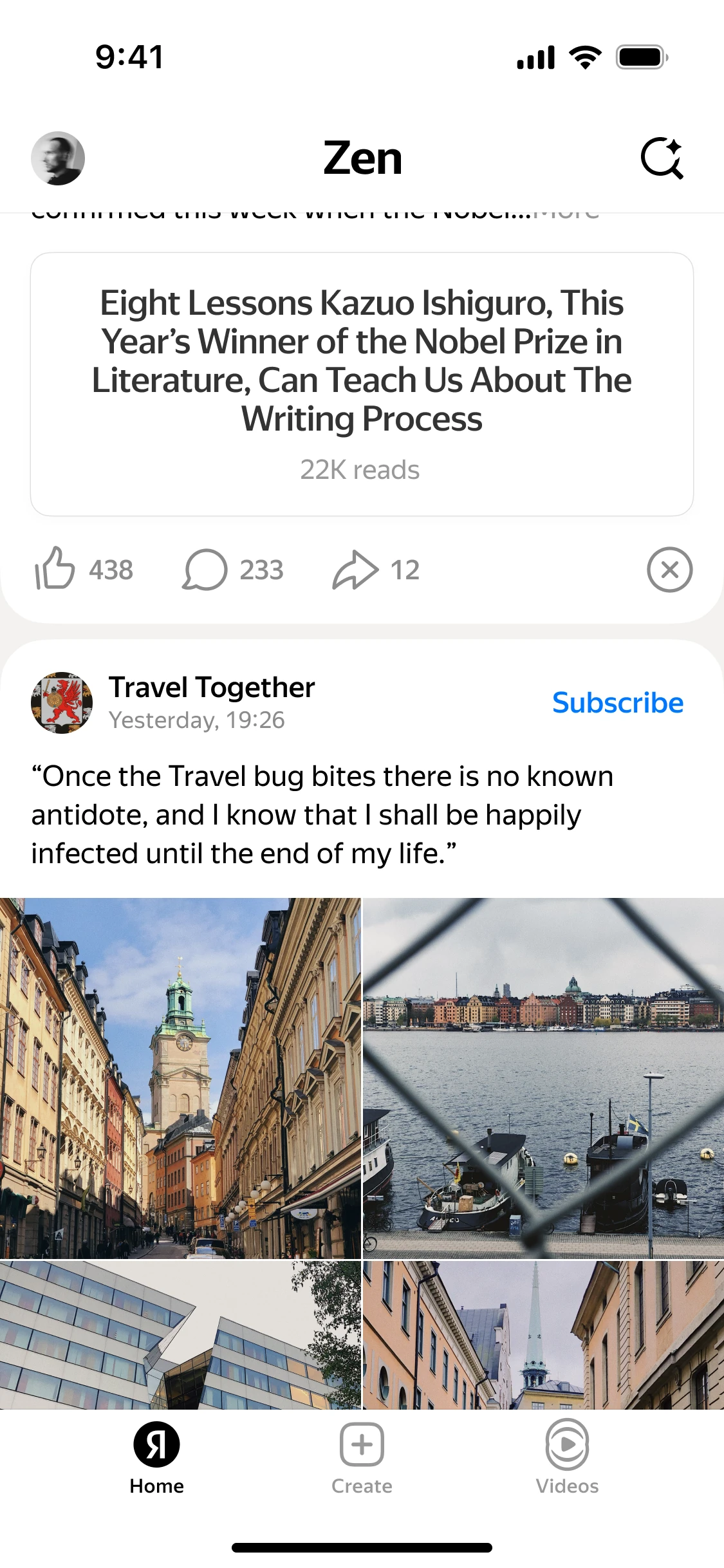
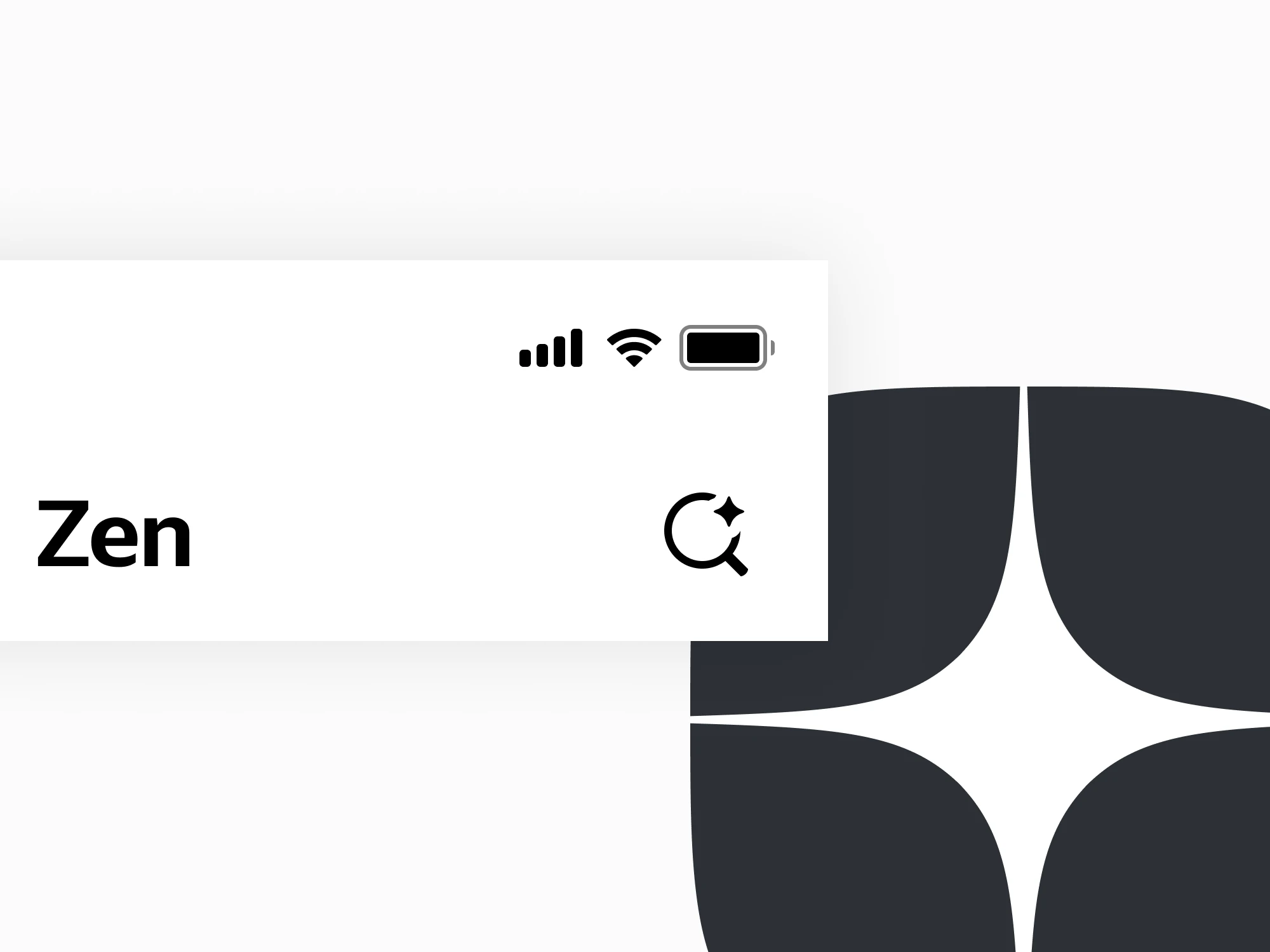
The icon is a magnifier with a small star sitting in the ring, from Zen's logo. It tells you which search this is before you tap.
Zero State
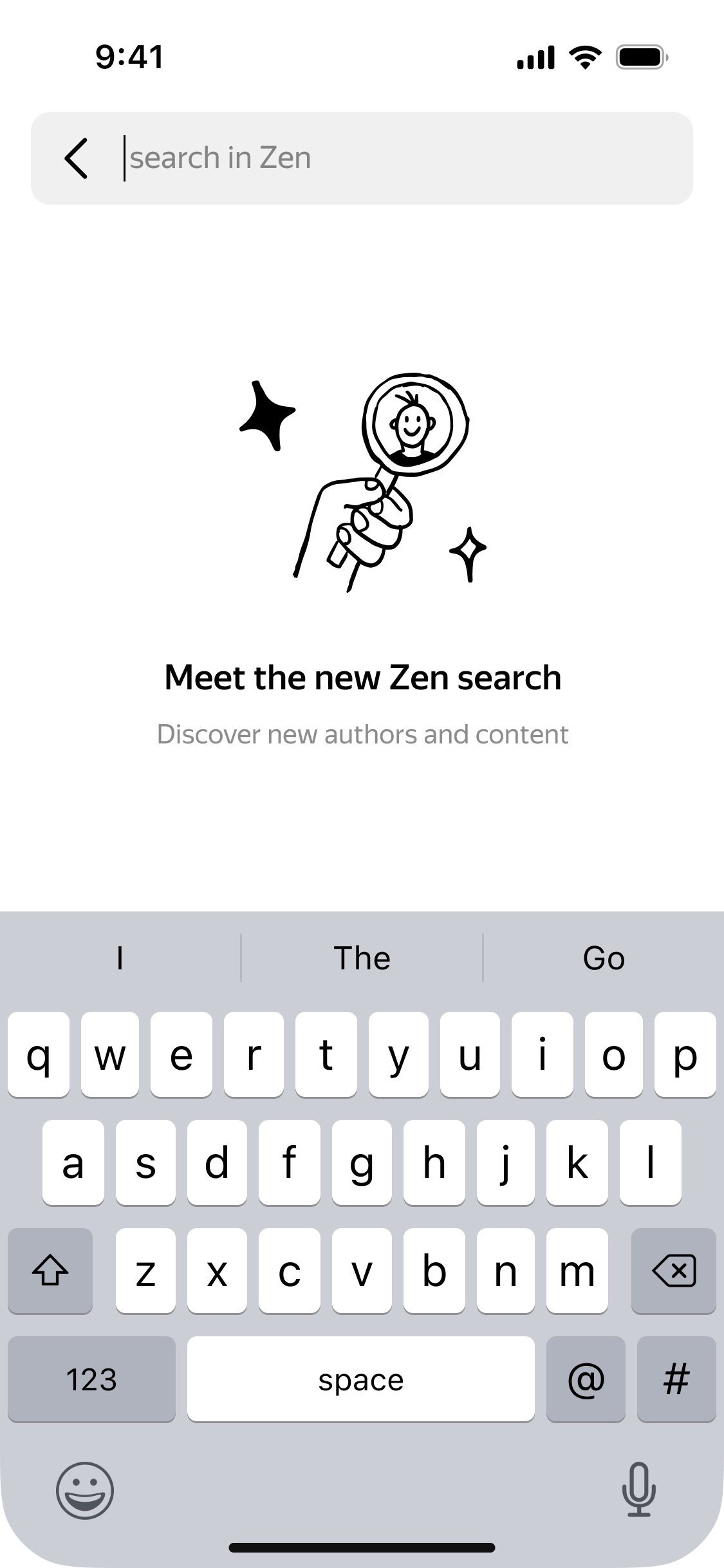
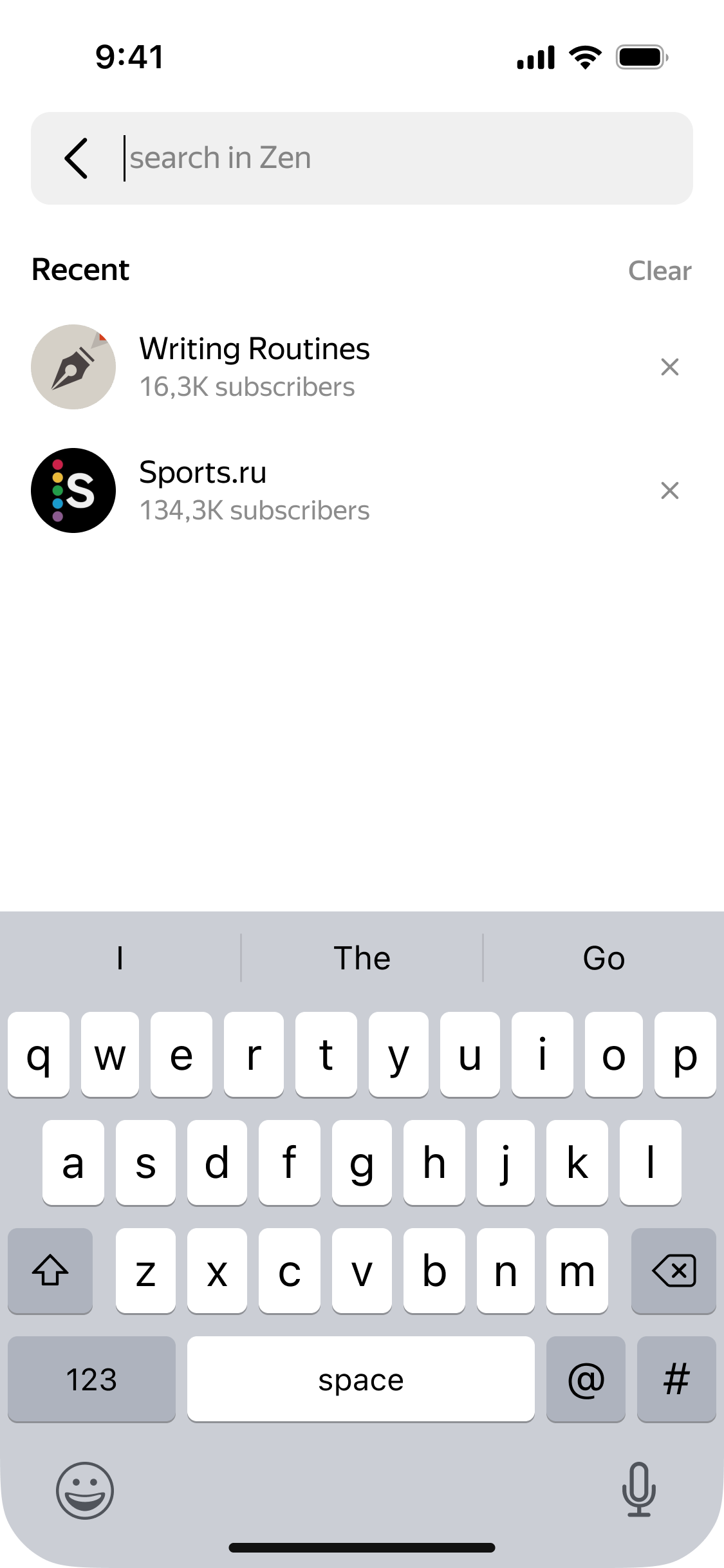
We had an editorial section called Showcase, and it was losing visitors every day. Instead of a redesign, it became the starting screen of search, together with your subscriptions.
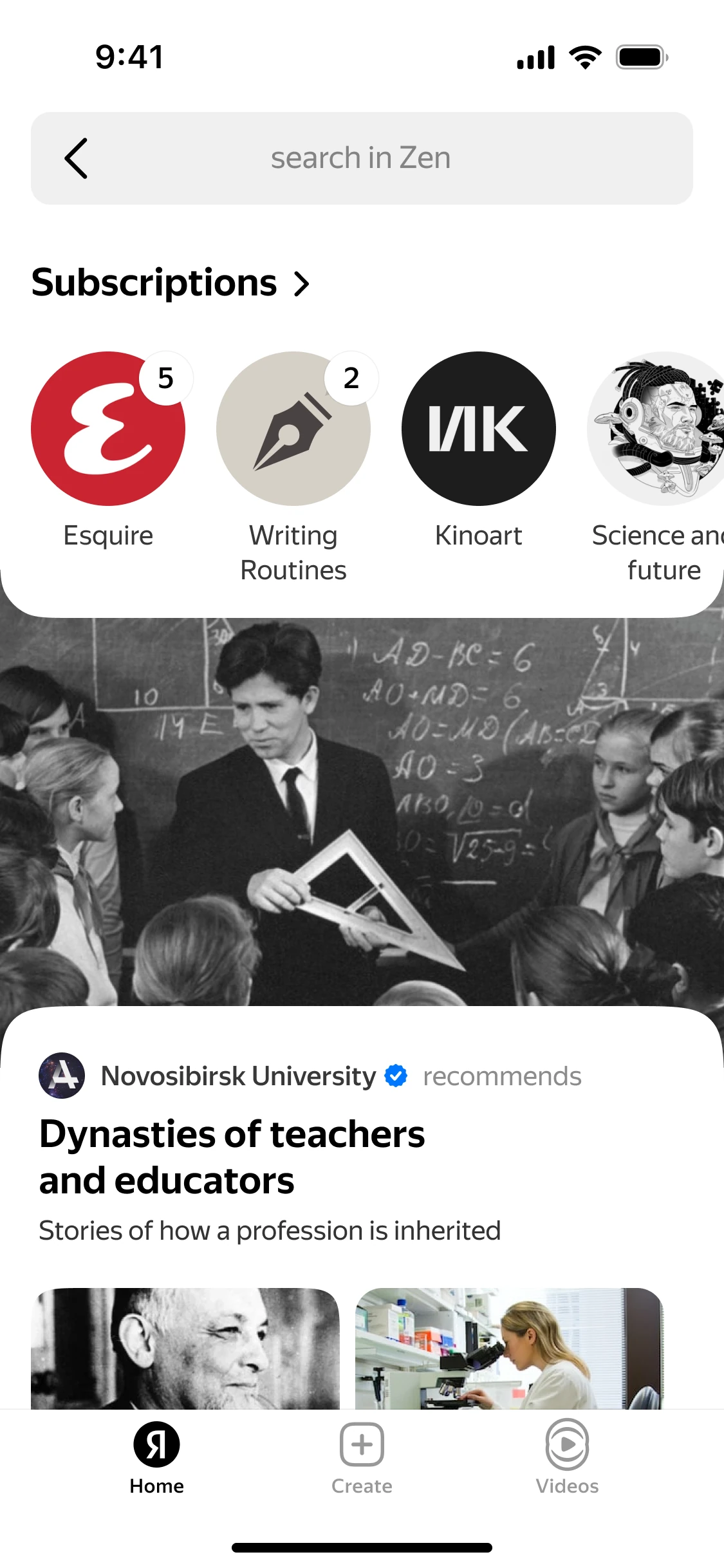
First session: a short hello. After that: your recent searches.
Results
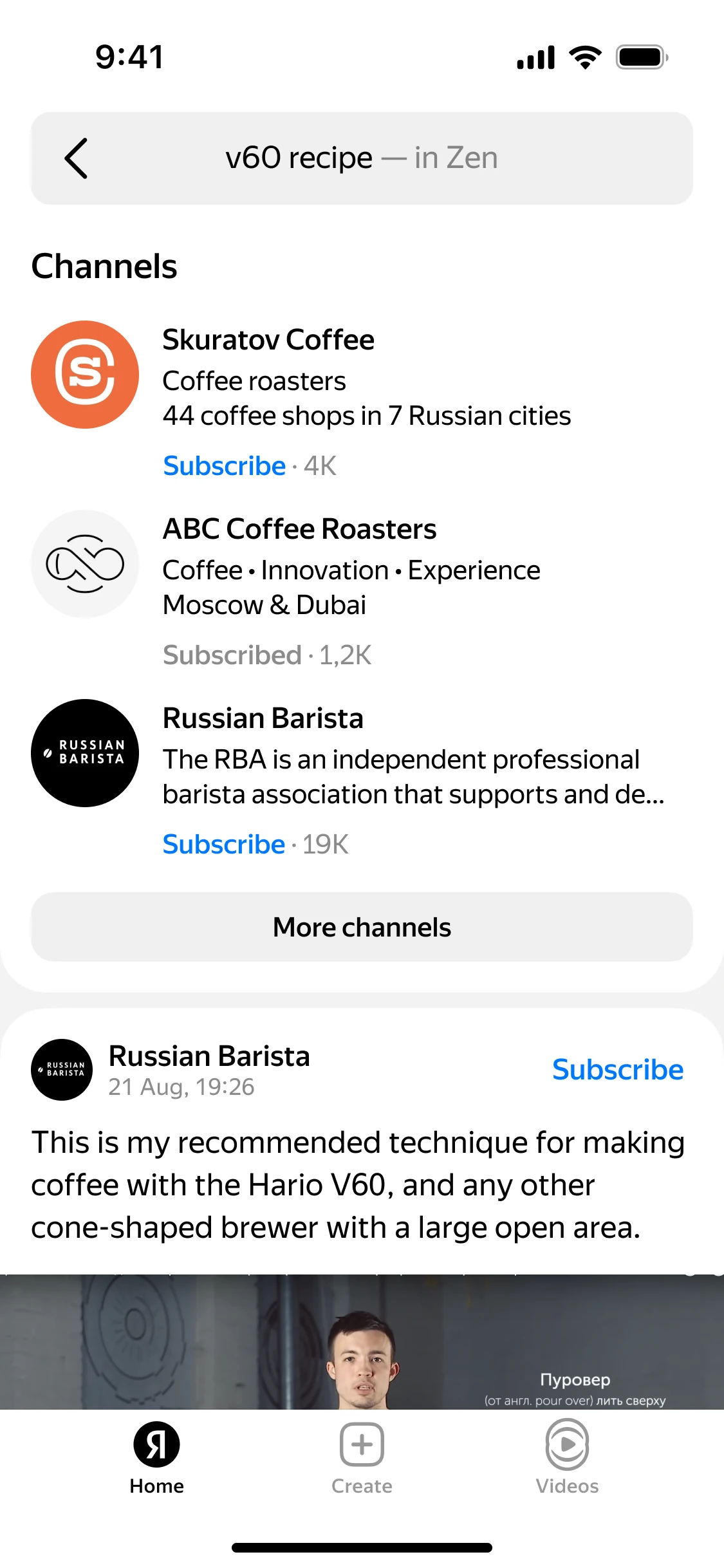
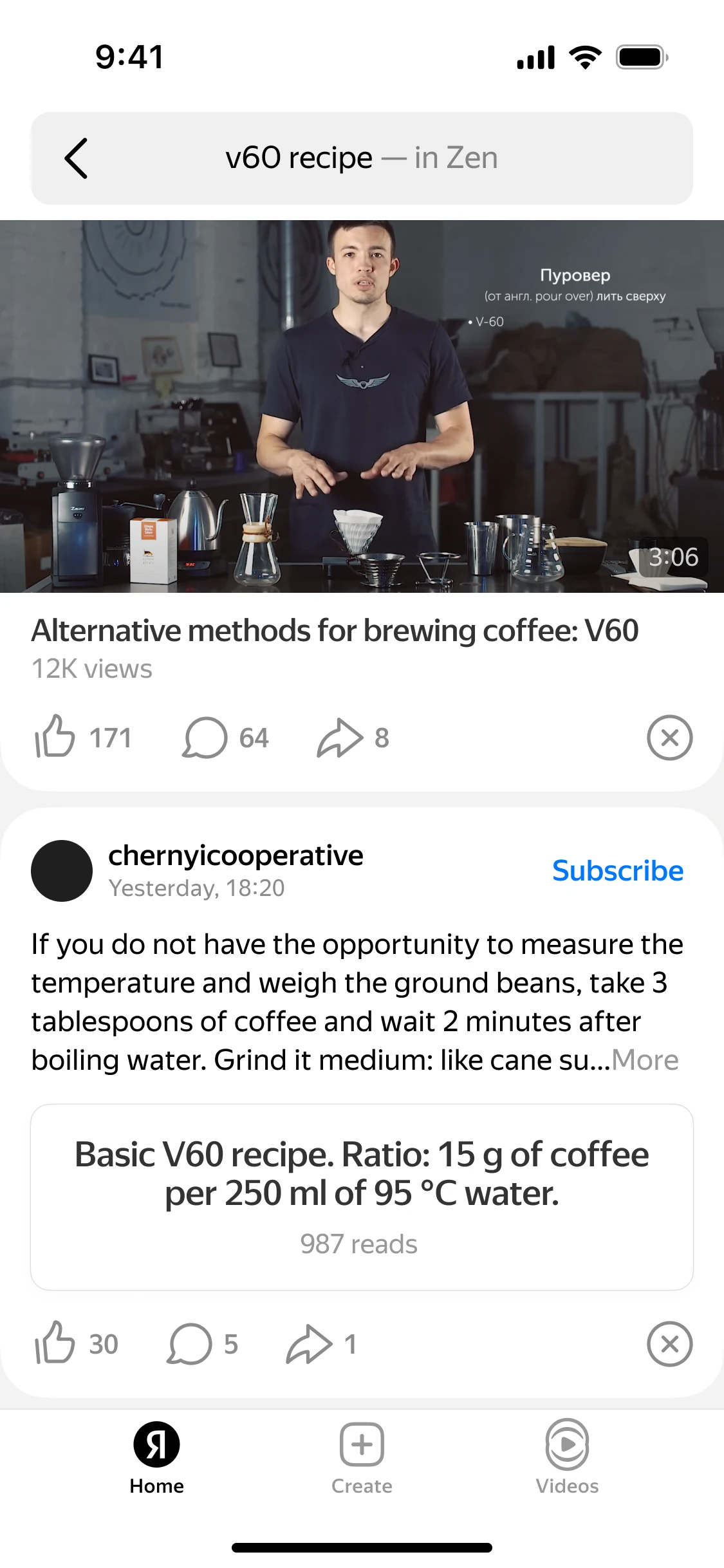
Relevant authors come first, then content of every kind: posts, videos, articles.
My Role
Product lead, design lead and me as senior designer. All the design and interaction work was mine. The project sat between three units, Zen, Search and SERP, each with its own metrics, and part of my job was getting the solution accepted on both the Zen and the Search side.
Result
Zen search was already used a lot: in the Zen app, on mobile web, on desktop. We took that total as the baseline. After launch, search sessions grew by 50% on top of it, from one new entry point.
Showcase got its visitors back, and time spent in the section went up 12%.